
It's easy to see when other users from your organization are working in the same Bid that you are within ConstructConnect Takeoff.
In the top right corner of the Takeoff Tab, you'll see the initials of everyone else who is active (has the Bid opened) in that particular bid. Hover over one of the profile icons to see a pop-up showing that user's full name.
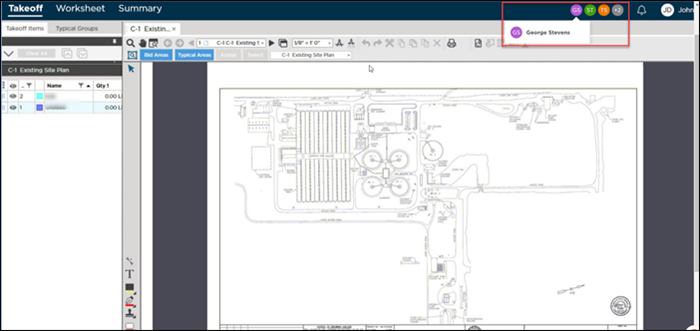
A maximum of four profile icons will be visible at one time. If more than four users are working in a bid a counter will appear. You can hover over it to see the names of the additional users.
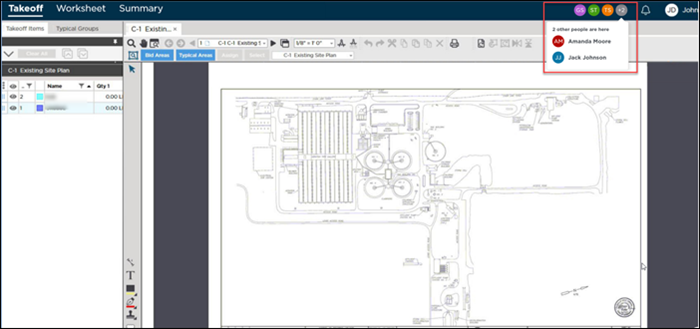
In addition to being visible here on the Takeoff Tab, active users are displayed on the Summary and Worksheet Tabs of a Bid. You will see them regardless of whether you have the Tab docked or undocked.
Related Articles