Issue
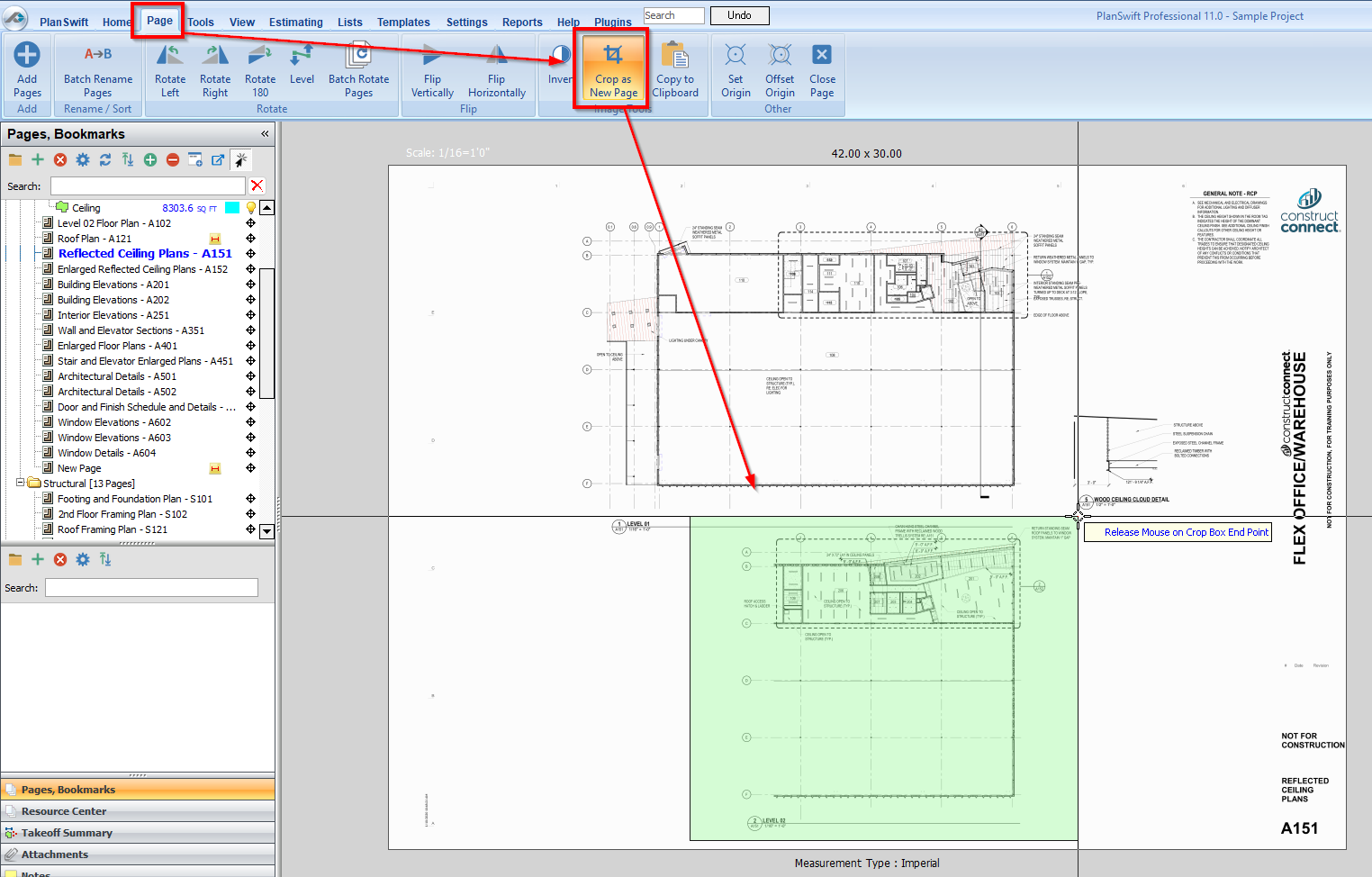
If you use PlanSwift’s “Crop to new Page” function, Auto Bookmark will not analyze the Page.
Discussion
Crop to New Page creates a TIF file that is incompatible with Auto Bookmark.
Resolution
- Right-click on the cropped page in the page list
- Go to Properties > Advanced
- Change its Type property from “.TIF Page” to “.TIFF Page”
- Run Auto Bookmark - it should work correctly
