As this technology is leading-edge, we feel it provides a great deal of value in its current state, however we are dedicated to improving the performance and results of Takeoff Boost with future iterations.
Issue
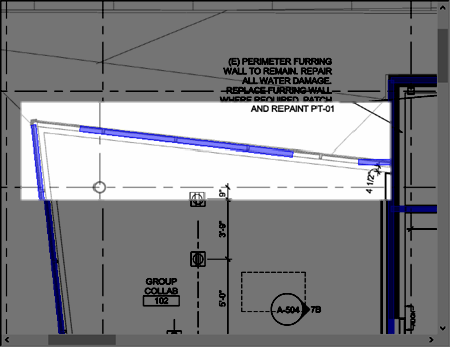
Sometimes, walls drawn by Takeoff Boost are simply too incorrect to use because adjusting the takeoff would take more time than simply deleting and redrawing from scratch.
Resolution
The resolution is to use the Select Tool  and draw a box around all the affected takeoff and delete it (alternately, if all the takeoff drawn on the page is incorrect, you can select all takeoff for a single Condition by right-clicking on the Condition and then "Select Objects" and then delete. See Related Articles for details.
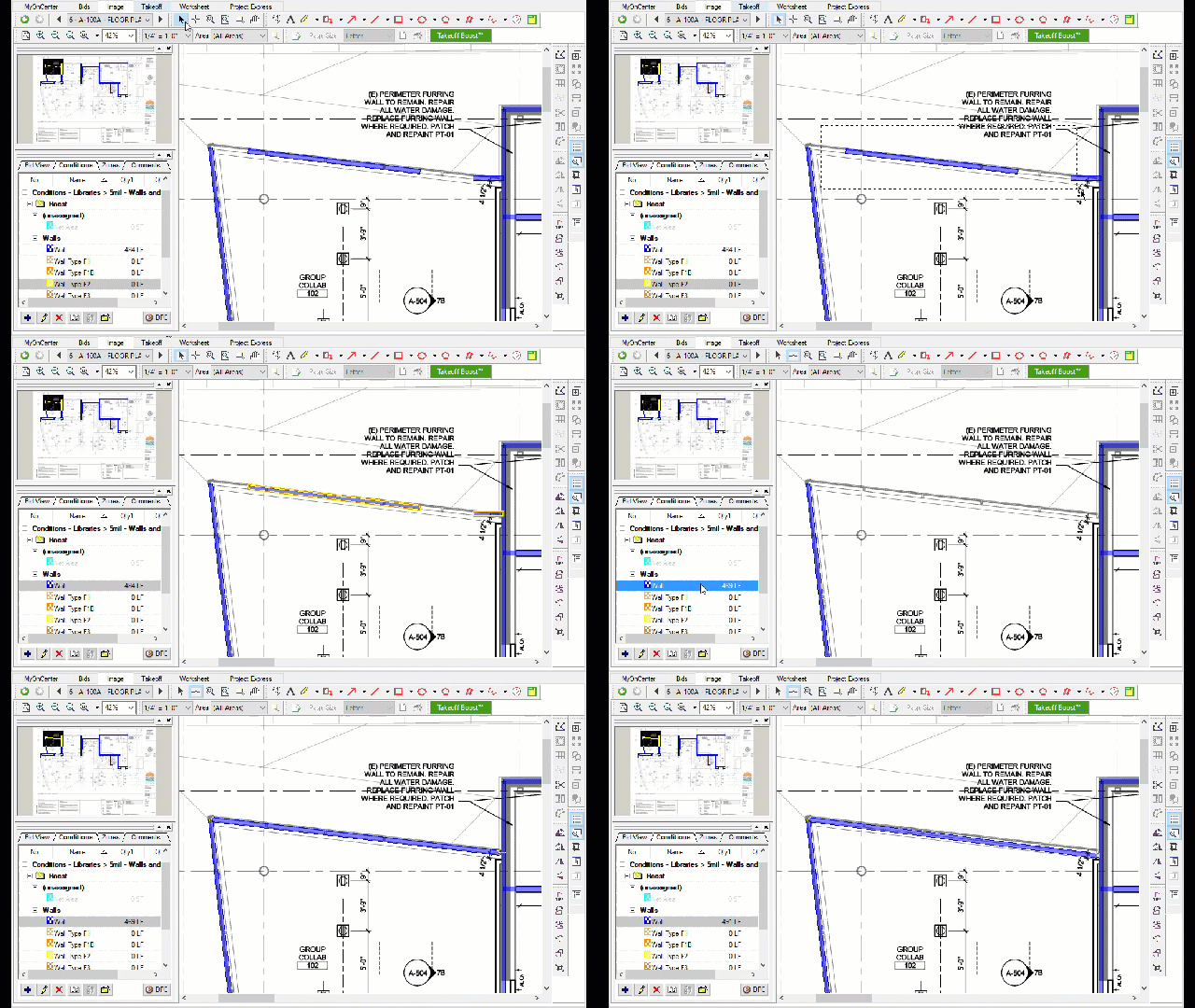
Then, using the Condition(s) that Takeoff Boost created, redrawn the takeoff manually. See Related Articles for details on how to draw Linear takeoff.
When deleting takeoff, be sure the takeoff is selected/active, no the Condition - if you delete a Condition, you could be deleting takeoff on other Pages. See Related Articles for more information.
Related Articles
