

On the Takeoff Tab, in the lower-left corner, below the Conditions List, you’ll find the Documents Navigator.
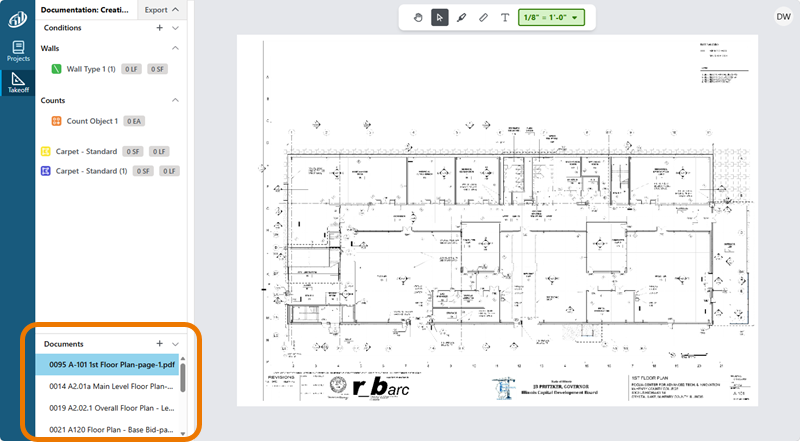
From this list, you can jump to any Page in the Project.
Work Indicators
Next to each Page name, you may see one or more icons that indicate what sort of work has been performed on a Page.
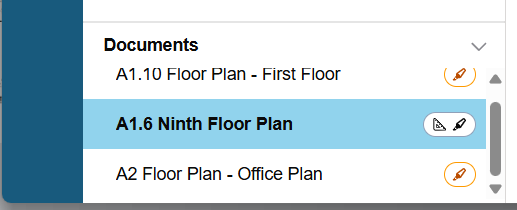
 | Indicates there is takeoff (linears, areas, counts) on a Page |
 | Indicates there is Annotation (dimension lines, text boxes, highlights) on a Page |
Coming Soon
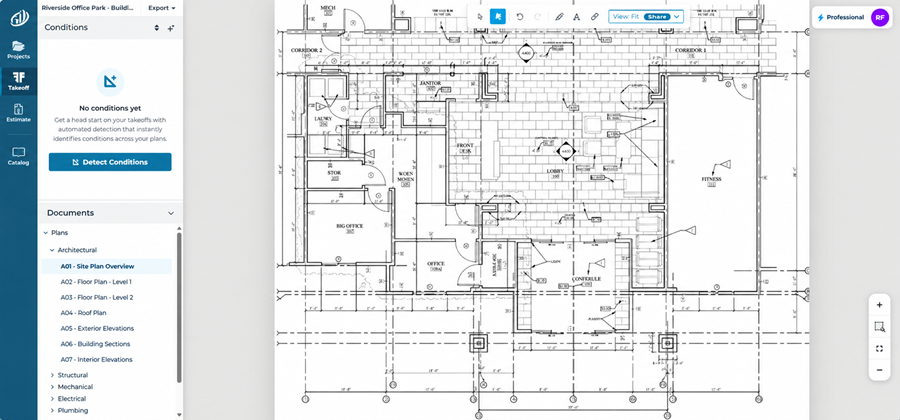
After the planned Sept 14, 2026 update, Plans in the document navigator will be grouped by Discipline (Architectural, Structural, Civil, etc.).
This makes getting to the Page you need faster and easier.
 Adding Documents to a Takeoff Project Adding Documents to a Takeoff Project | Adding Adding Documents to an Existing Project  |
