

When you receive Addenda updates to Project Documents, you’ll add them from the Projects List.
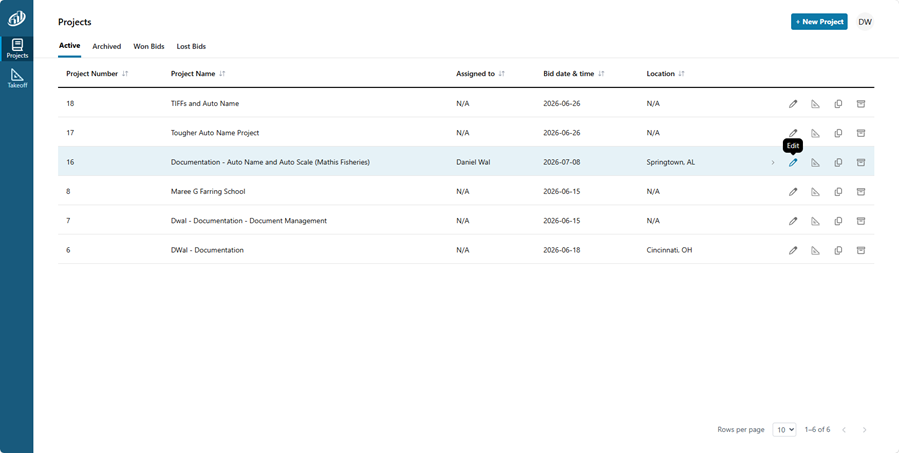
Click the Edit ( ) button in the Project’s row to open its Project Setting screen.
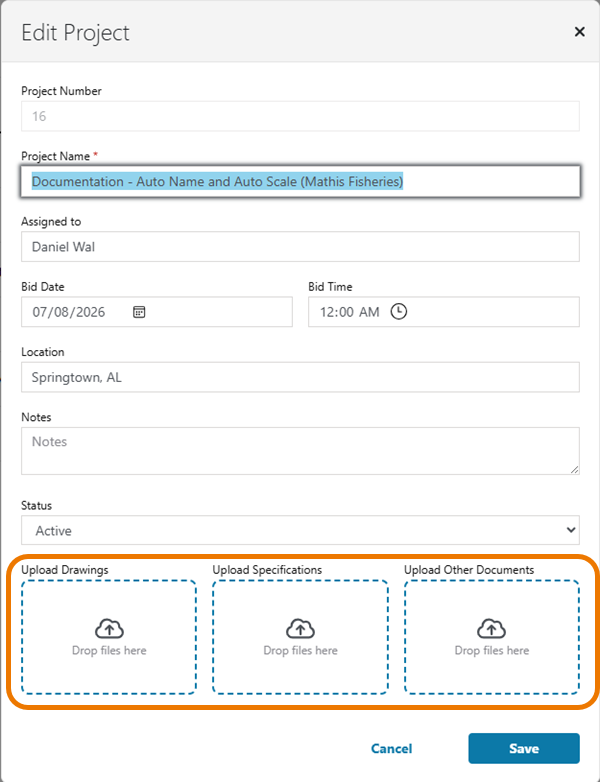
Simply follow the usual method for Adding Documents to a Project.
 The Takeoff Tab Documents List The Takeoff Tab Documents List | What is Takeoff? What are Conditions? What are Annotations?  |
