
When you accept an invitation to collaborate on a project the project gets added to your Projects and Bids List.
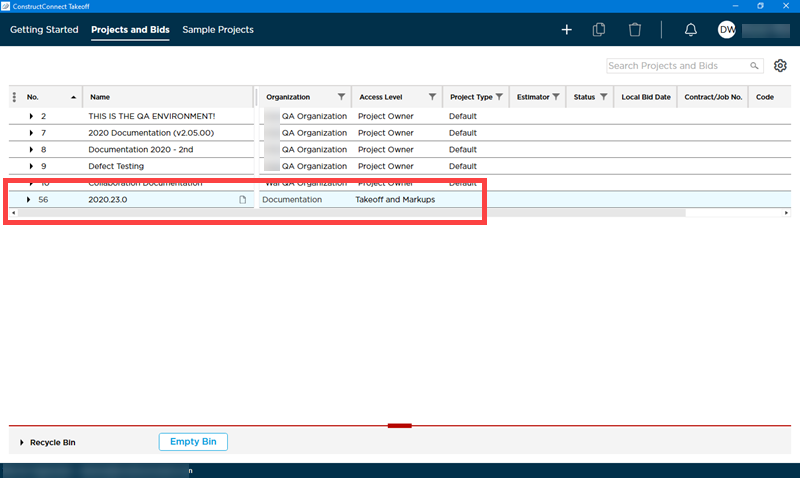
You can tell this is a project on which you are collaborating (and that is not in your Organization) because the "Organization" is different than your own Organization.
On the Projects and Bids List you also see the Access Level you were granted by whoever invited you to collaborate.
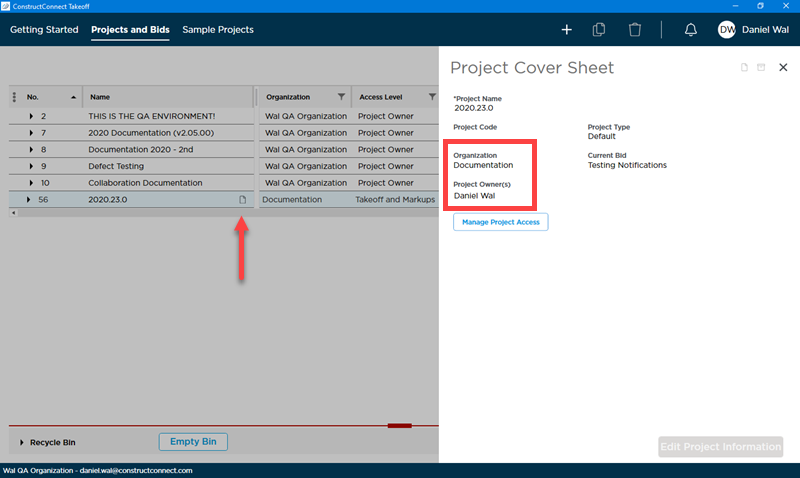
If you have questions about your Access Level or what the person who invited you wants you to do you can contact him or her. The names of all Project Owners are shown on the Project Cover Cover Sheet along with the name of the Organization to which this project belongs.
 Inviting External Users to Collaborate on a Project Inviting External Users to Collaborate on a Project | A Detailed Look at the Bid Cover Sheet  |
Related Articles
