


Properties Button
The Properties button allows you to change, add, or delete properties, and create or change formulas.
- Click on some Item in the grid
- Click the Properties button
The Properties window allows you to change the selected inputs of the Item.
To make greater changes, select the Advanced button.
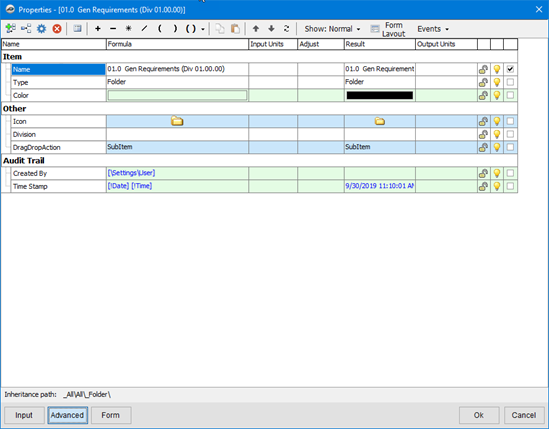
When done, click the OK button to close the window.
 Estimating Tab - Refresh button Estimating Tab - Refresh button | Estimating Tab - Collapse and Expand All buttons  |
Related Articles
