
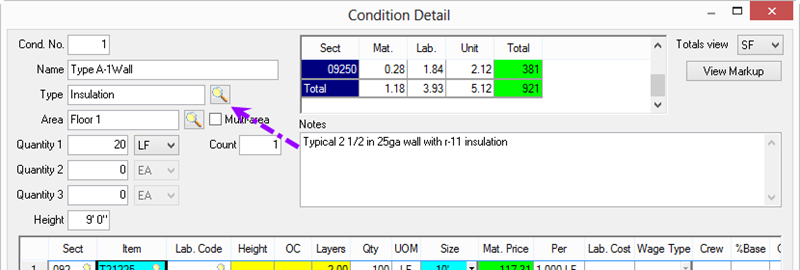
To allocate the entire Condition's Quantities to a single Bid Area, on the Condition Detail,
- Type the first few letters of an area Name or,
- Click on the Area lookup button
- Highlight the area to which this Condition is to be allocated
- Click Select
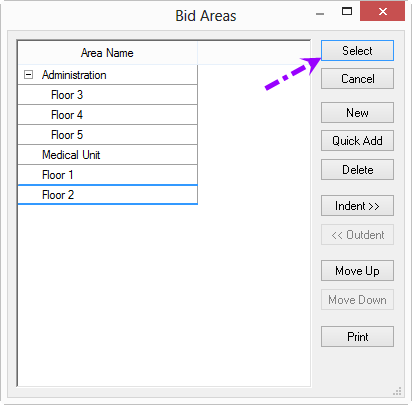
You can add, modify, and delete Bid Areas from the Dialog Box as well - the only difference is that this dialog box includes the "Select" button.
 Setting Up Bid Areas Setting Up Bid Areas | Assigning Condition Quantities to Multiple Areas  |
Related Articles
