
There are several Stamp annotations available.
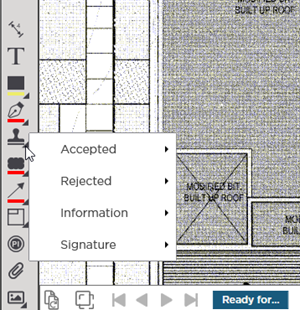
Select the stamp you want to use by clicking the expand triangle at the bottom-right of the  button.
There are four main categories of stamps: Accepted Rejected Information and Signature.
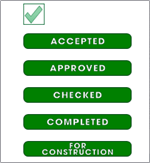
Accepted (Green Family)
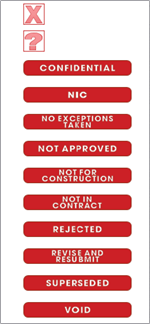
Rejected (Red Family)
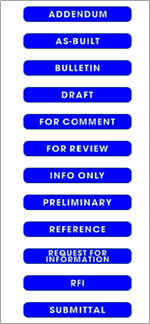
Information (Blue Family)
Signature
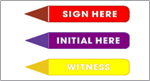
To use a Stamp
Choose the appropriate Stamp
Next place cursor where you want the center of the stamp to be pinned
- Click once and a default-sized stamp is placed on your plan or
- Click and drag to set the size of the stamp release the mouse button when the Stamp is the correct size
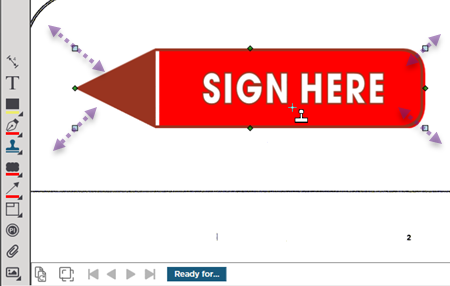
Once drawn you can resize or move the stamp. If you chose the wrong Stamp just delete this one and select the appropriate Stamp from the list.
 Annotations: Ink (Freehand Markups) Annotations: Ink (Freehand Markups) | Annotations: Clouds  |
Related Articles
