
You can use the Arrows Annotation Tool to draw an arrow to point out something on your plan.
Drawing Arrow Annotation
- Click the
 button on the Annotation Toolbar
You can set the Line Thickness and Color by clicking the expand triangle on the side of the Arrow button.
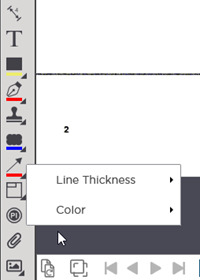
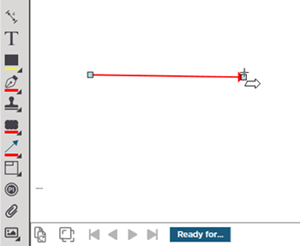
- Click and drag in the direction you want to draw the Arrow
- Release the mouse button to complete the Arrow
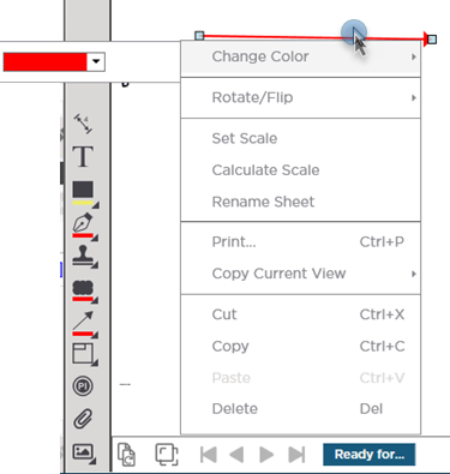
You can edit the color after drawing an arrow by right-clicking on the annotation.
 Annotations: Clouds Annotations: Clouds | Named Views and Hot Links Overview  |
Related Articles