
You can flip takeoff horizontally or vertically - in fact you can flip the entire Page horizontally or vertically along with all the takeoff on it.
Flipping Takeoff
Why would you want to flip takeoff? Well let's say you copy and paste takeoff from a Page that represents one building onto a Page that represents a mirror of of that building - everything is the same except in reverse.
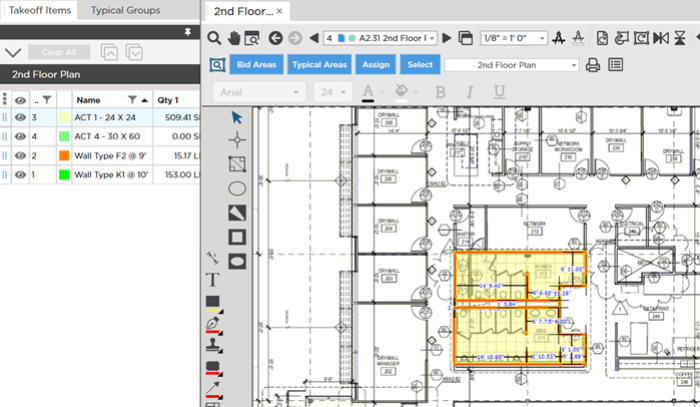
Let's start with our original takeoff.
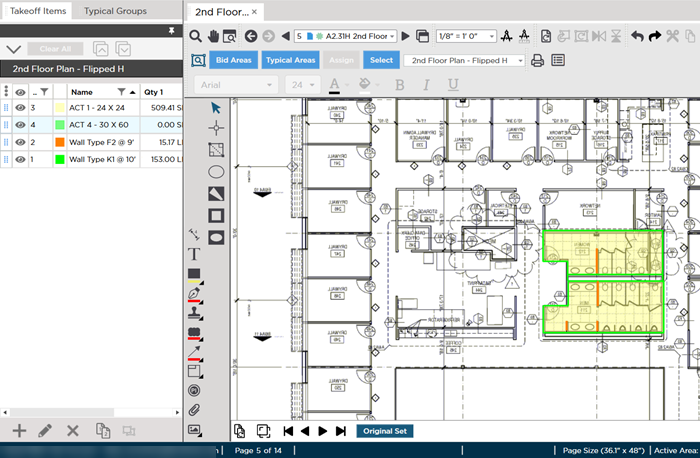
Select the takeoff and Copy it.
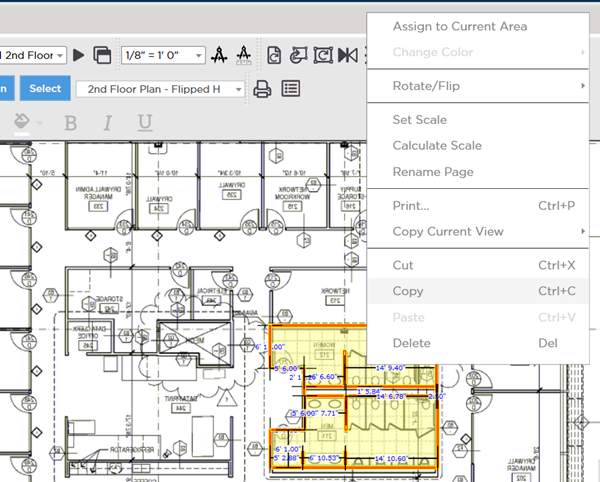
Navigate to the Page where you want to Paste the takeoff and paste it notice the region it represents is in reverse...
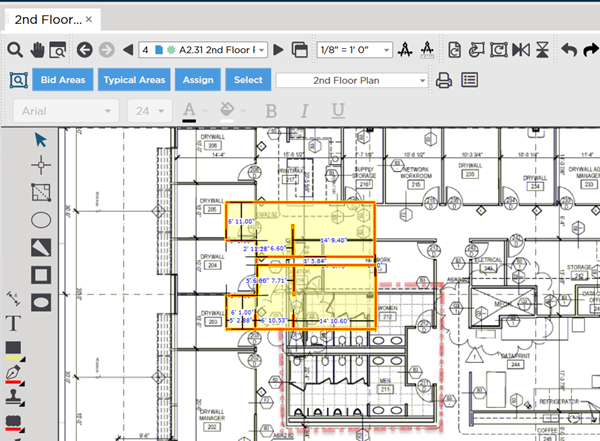
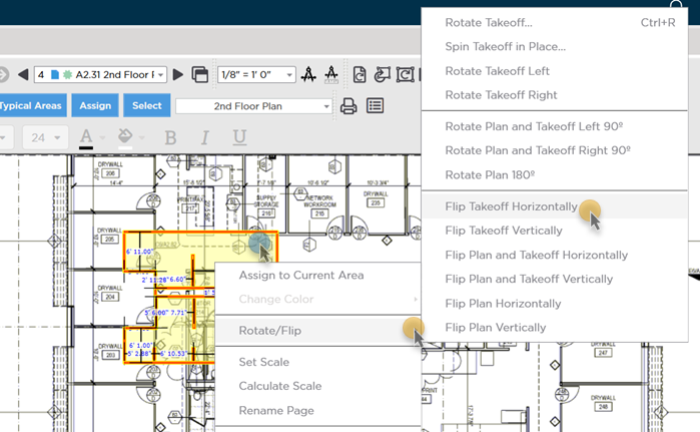
While it is still selected right-click and select Rotate/Flip > Flip Takeoff Horizontally.
Now just move it into position.
You can flip an entire Page and all the takeoff on it using the same context menu.
 Spinning Takeoff Objects Around Each Object's Individual Centerpoint Spinning Takeoff Objects Around Each Object's Individual Centerpoint | Reassigning Takeoff from One Takeoff Item to Another Existing Takeoff Item  |
Related Articles
