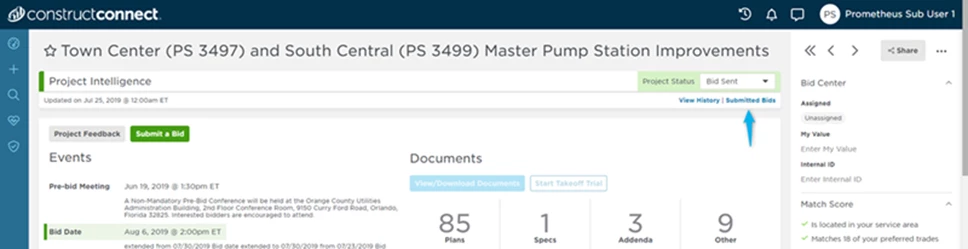
As of today, ConstructConnect Project Intelligence users can review and submit bids to any General Contractor (GC) listed on the bidders list, all within the CC platform.
Below are the steps for submitting a bid:
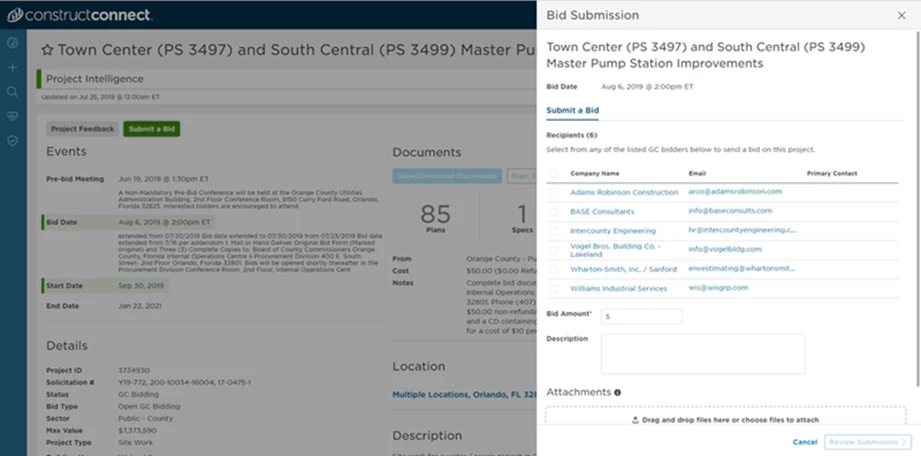
Press the "Submit Bid" button on the Project Details Page (PDP) for a project, and a window will appear, allowing you to choose the recipients for the bids. Input your dollar amount, attach supporting documentation (including a takeoff, if performed), and click the "Review Submission" button.
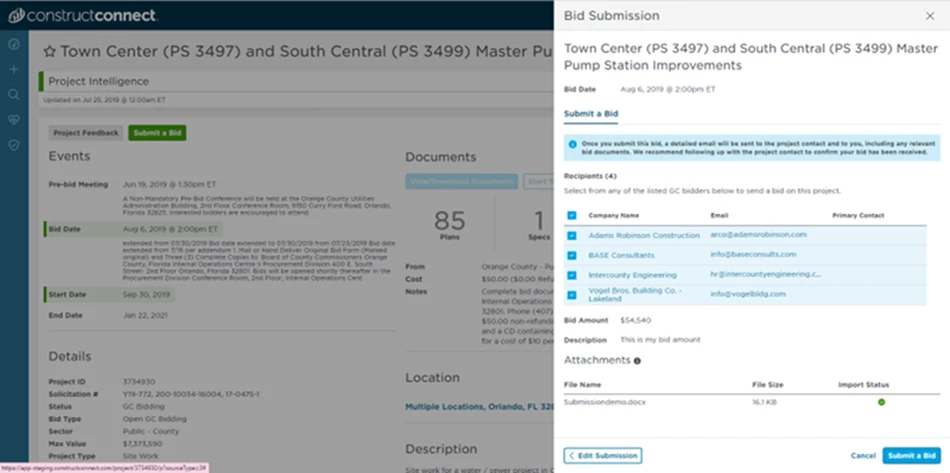
Review your bid. Click the "Edit Submission" button in the bottom left corner of the Bid Submission window to update your bid if needed. Once everything is in order, click the "Submit a Bid" button in the bottom right corner.
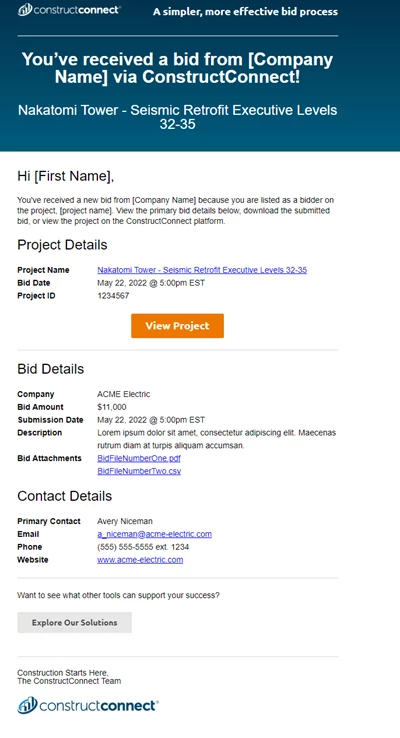
Once you have submitted your bid, the GC will receive an email containing the bid information and attached documents.
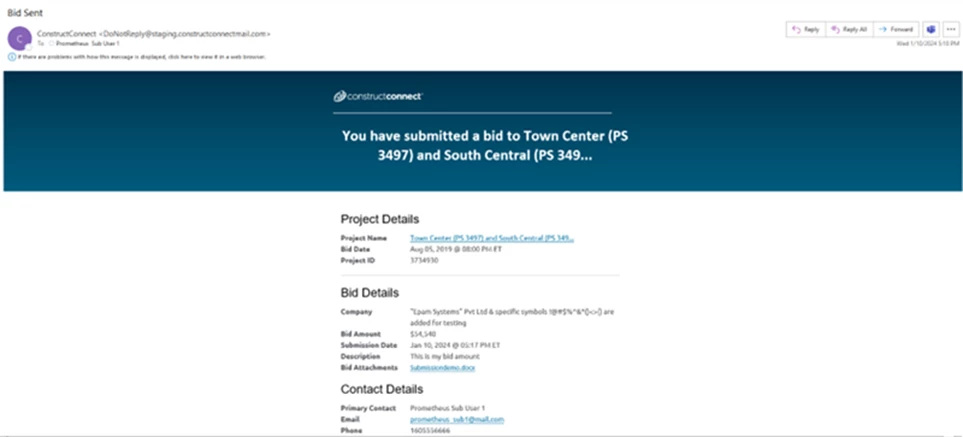
You will also be provided with a copy of your submitted bid, including project details and attached documents.
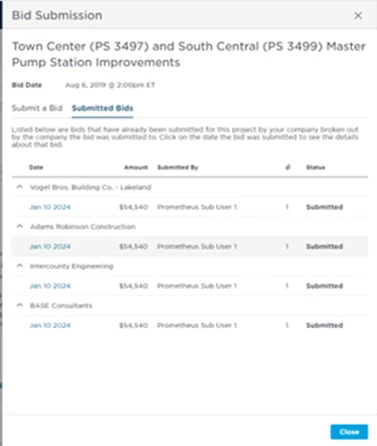
Review your company’s bid submission history by clicking the “Submitted Bids” button on the Project Details Page.