
If you add a photo to a Project (see How to Add a Photo to a Project in On-Screen Takeoff), you can create a link to it from any Page (in the same Bid, of course).
See Related Articles for more information on creating Named Views and Hot Links.
Create the Named View
- Browse to the page that represents the photo in the bid, and click the Named View button

- Draw a box around the image, and give it a unique name
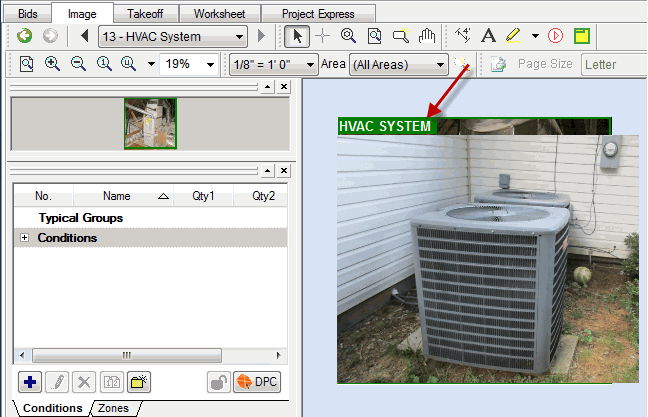
Create a Hot Link to that Named View
- Navigate the Page where you want to place the Hot Link (shortcut) to your photo
- Click the
 button
 - Click within the Image Window where you want to place the Hot Link
- Then select the Named View from the drop down menu
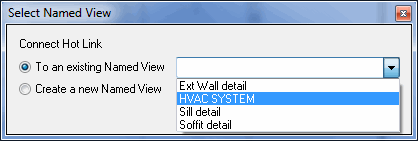
- Click OK
Using the Hot Link
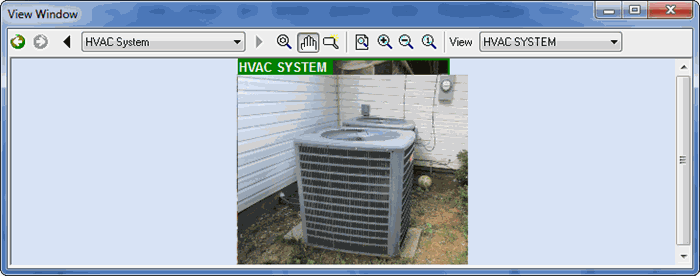
If you click on the Hot Link icon, the photo opens in the Annotation and View Window (or View Window, depending on your Options)
Related Articles
