Issue
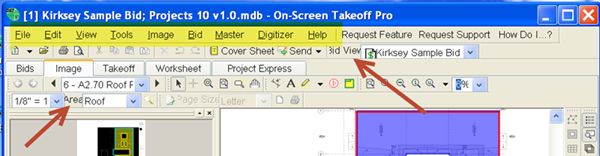
Some text may not 'fit' correctly on the screen or is stretched, as shown in the screen shot below:
Discussion
On Center Software products use the Windows dpi settings to display the program's interface. When the Windows dpi settings are set to something other than the 'default' or 'normal' settings, the menus and toolbars may not display correctly.
Resolution
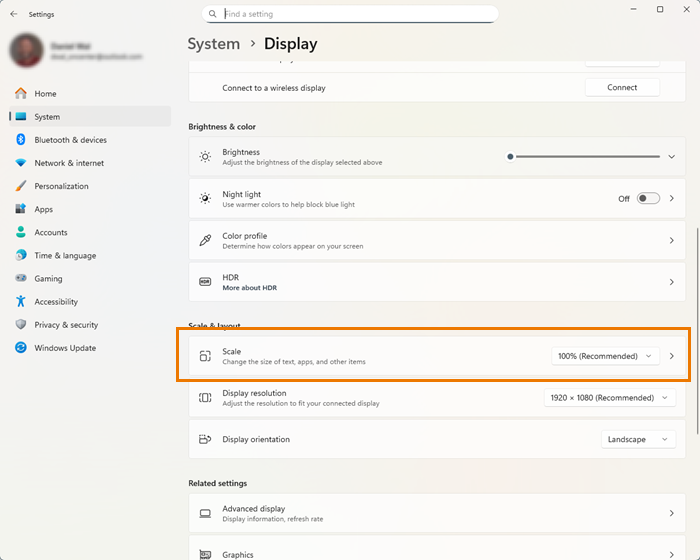
Right-click on the desktop and select "Display Settings"
Set the Scale to 100% while using On-Screen Takeoff, Quick Bid, or Digital Production Control.
See your Windows documentation for more information on changing Display Settings.
Also, check with the manufacturer of your computer and display adapter to see if there is an updated driver.
Related Articles
