Issue
Clients sometimes delete whole reports in their attempts to delete certain line items. The line items can be deleted by selecting it on the report “grid” sheet and then selecting delete on the keyboard. Reports can be deleted in the same way by selecting the whole report and then clicking delete on the keyboard.
Resolution
If you accidentally deleted a Report, just reinstall the current version of PlanSwift.
In PlanSwift, click the Help Tab and then click “About”.
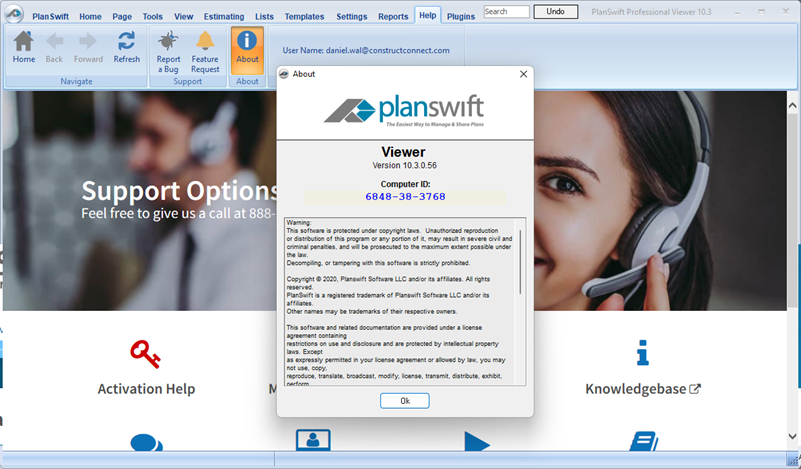
Now, download that version from your MyAccount Page.
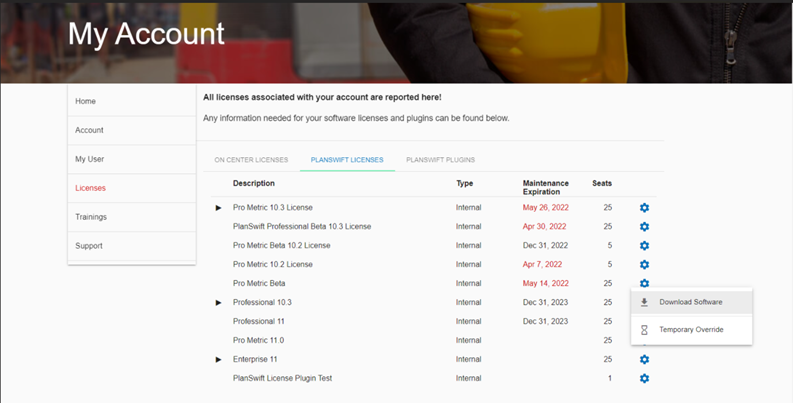
Reinstall - be sure to install it to the same folder as your current version.
Related Articles
