
Issue
Sometimes in PlanSwift, you may load a job that has the takeoff but is missing the page.

Discussion
If this is the case, you will need to reattach the page in PlanSwift.
Resolution
- Right-click on the page in the Pages, Bookmarks window and then go to Advanced properties
- Click on the image column and then browse to the missing page

- Select the image that is missing, and click on OK to reattach it
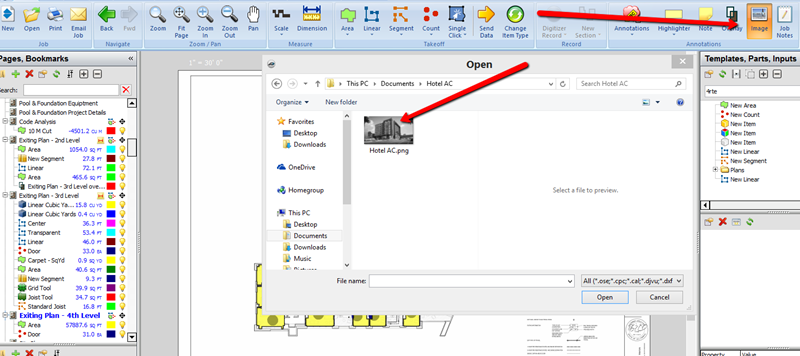
- Once you click OK, the page should be re-attached in PlanSwift with any takeoffs still intact

Related Articles
