

Issue
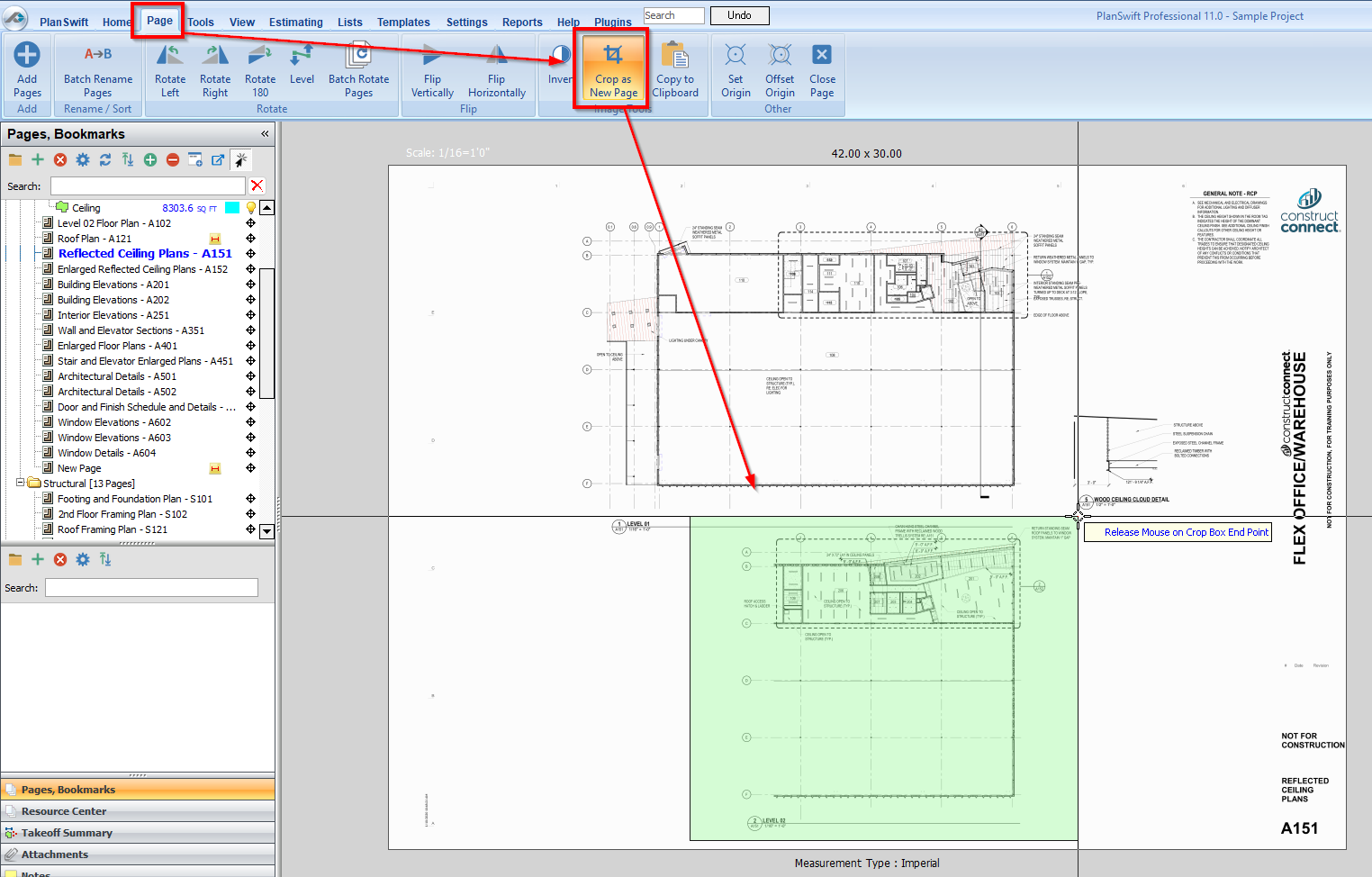
If you use PlanSwift’s “Crop to new Page” function, Takeoff Boost’s tools (Auto Takeoff, Auto Count, Auto Scale, and Auto Bookmark) cannot analyze the Page.
Discussion
Crop to New Page creates a TIF file that is incompatible with PlanSwift’s AI-Powered tools.
Resolution
- Right-click on the cropped page in the page list
- Go to Properties > Advanced
- Change its Type property from “.TIF Page” to “.TIFF Page”
- Run Auto Bookmark - it should work correctly
Takeoff Boost’s tools use Artificial Intelligence to provide results. It is your responsibility to verify results to ensure accuracy.
Use of Takeoff Boost™ tools requires uploading of some or all of your project plans. Ensure you have the legal right to do so. Please see the following Master Service Agreement for more information.
