

In the upper-right corner of the Projects and Bids List you see your Display Name (from when you created your Takeoff Platform profile).
Click on this "avatar" to access the Settings and Help Menu (see Related Articles for details on each option).
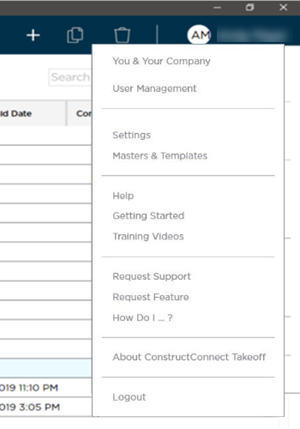
Your name and initials are shown in the upper-right corner of any open Bid and opens the same Settings and Help menu.
 Searching, Filtering, and Sorting the ConstructConnect Takeoff Projects and Bids List Searching, Filtering, and Sorting the ConstructConnect Takeoff Projects and Bids List | ConstructConnect Takeoff Projects Overview  |
Related Articles
