

In the Help & Settings Menu there is an option for "You & Your Company" that opens a dialog box that shows everyone in your organization and his or her role.
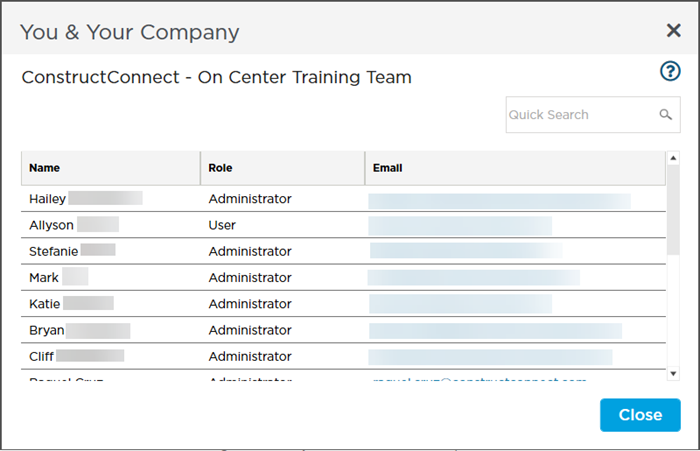
If you need to contact a Company Administrator for help with a license or project access you can click on his or her e-mail address to launch a new message in your default e-mail client (or copy and paste it if you use a web app).
 Masters: Project Types Masters: Project Types | User Management  |
Related Articles
