

You can toggle the Summary Tab between  and
and  by clicking the buttons at the top of the Tab just to the right of the
  button.
When you select "Typicals View" on the right-side of the toolbar next to the  button you see the
  control.
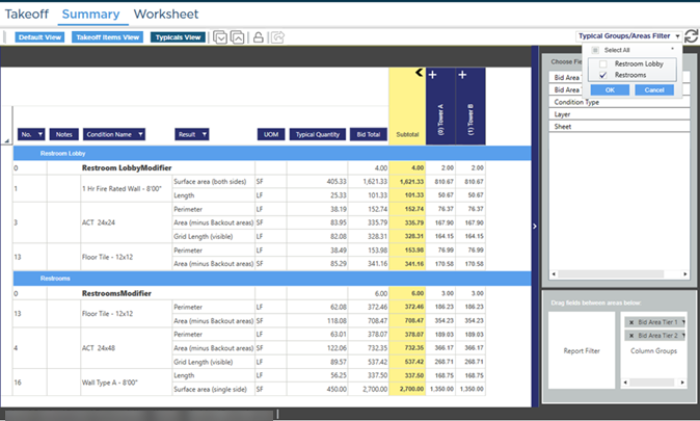
Using the Typicals Filter you can concentrate on just the Typical Group(s) or Typical Area(s) (or both) you want to see.
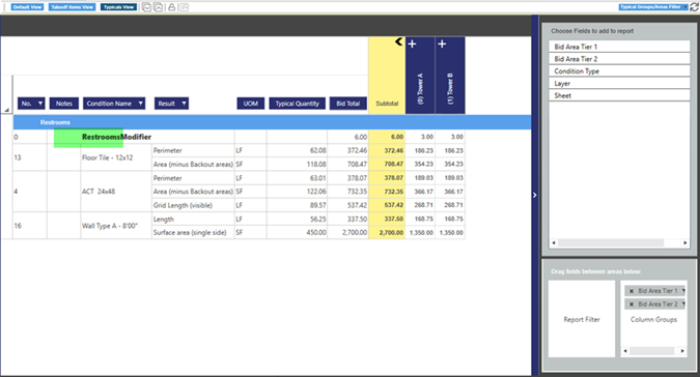
 Summary Tab: Takeoff Items View vs. Typicals View Summary Tab: Takeoff Items View vs. Typicals View | Summary Tab: Exporting to Excel  |
Related Articles
