

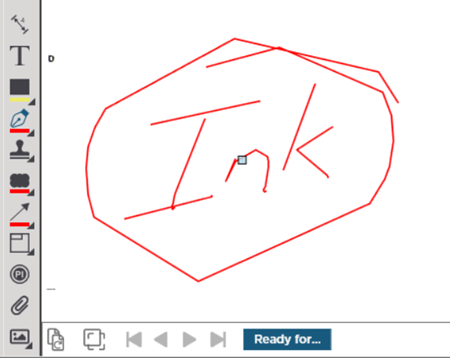
Ink Annotation (not quite the same as ink-shaped Highlighting discussed in previous article) is useful if you are using a tablet or touch-screen monitor that supports active-digitizing. Ink allows you to draw completely freehand on your plans including writing a quick note drawing an arrow circling or 'x-ing' something.
Drawing Ink Annotation
Click the  button from the Annotation toolbar.
You can set color and line thickness for your "ink". Click the expand triangle and choose the shape and color you need (if you just click on the Ink button the default highlighter tool is a red 5pt which is the most popular).
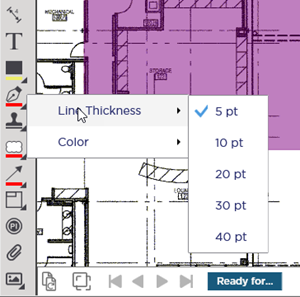
Now that you've specified how the highlighter annotation will look draw highlights on the plans wherever you need them.
Notice the cursor changes to match the tool you are using.
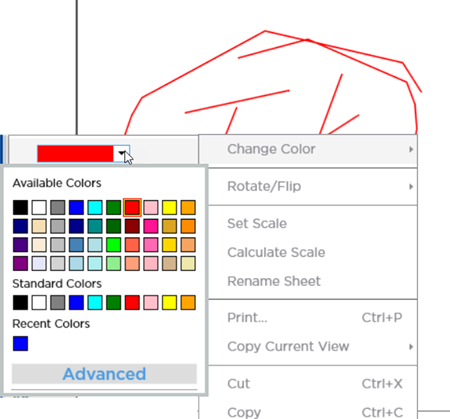
You can right-click on the ink once drawn and change the color (or opacity).
 Annotations: Highlighter Annotations: Highlighter | Annotations: Stamps  |
Related Articles
