

You can export the Typical Areas grid to Excel® by clicking the  button in the toolbar.
You will be asked where you want to save the export browse to an appropriate location and click Save.
Your file is saved and automatically opened in Excel.
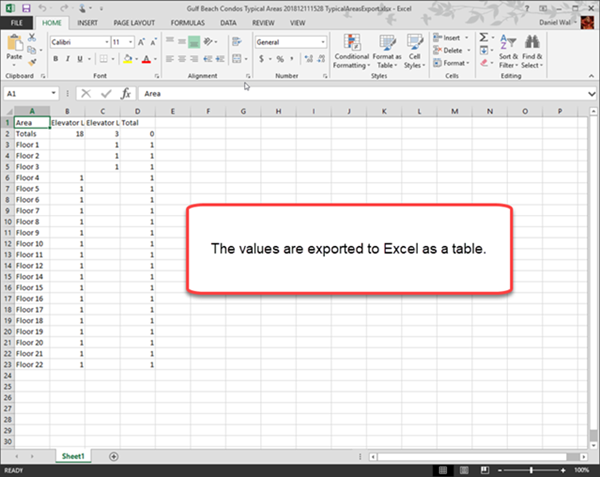
Each time you export to Excel a new Excel file is created.
 Using Typical Areas: Assigning Takeoff Objects to a Typical Area Using Typical Areas: Assigning Takeoff Objects to a Typical Area | Using Typical Groups and Typical Areas At The Same Time  |
Related Articles
