

Note
As this technology is leading-edge, we feel it provides a great deal of value in its current state, however we are dedicated to improving the performance and results of Takeoff Boost with future iterations.Issue
Sometimes, on a rotated plan, Takeoff Boost does not recognize angled boundaries/walls when drawing area takeoff.
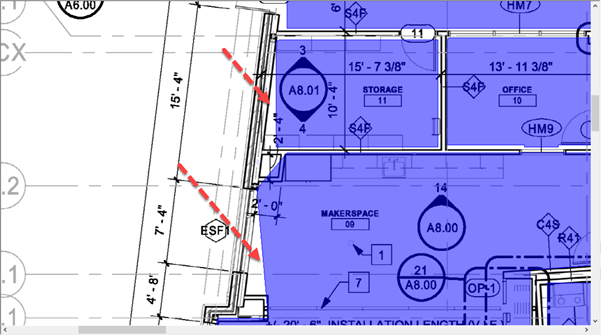
Areas drawn to incorrect boundaries
As the AI models improve, this should happen less frequently.
Resolution
The resolution is to add points to the area takeoff's perimeter and adjust the area object to match the plan. If there are a lot of corrections to make, it may be easier to delete the area takeoff entirely and redraw it from scratch.
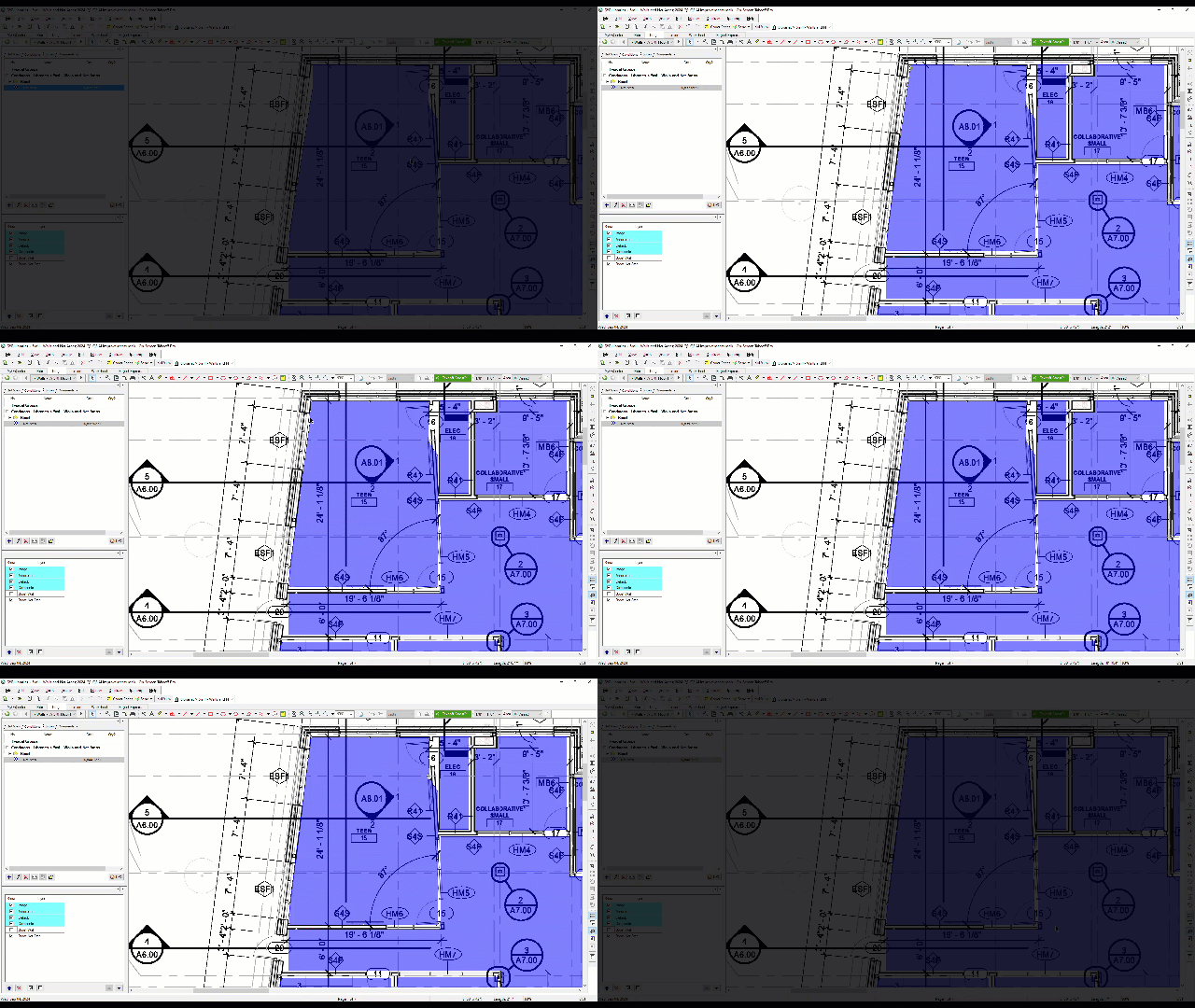
See Related Articles for details on selecting and editing takeoff objects.
Related Articles
- On-Screen Takeoff - 09.01 Selecting, Editing, and Deleting Takeoff and Annotation
- On-Screen Takeoff - Reviewing and Fixing Takeoff Boost Results - Area perimeter not filling room or region correctly/completely
- On-Screen Takeoff - Reviewing and Fixing Takeoff Boost Results - Areas drawn with missed corners
- On-Screen Takeoff - Reviewing and Fixing Takeoff Boost Results - Missing Areas between other Areas
