

First, log into the User Management portal, see Related Articles for more information.
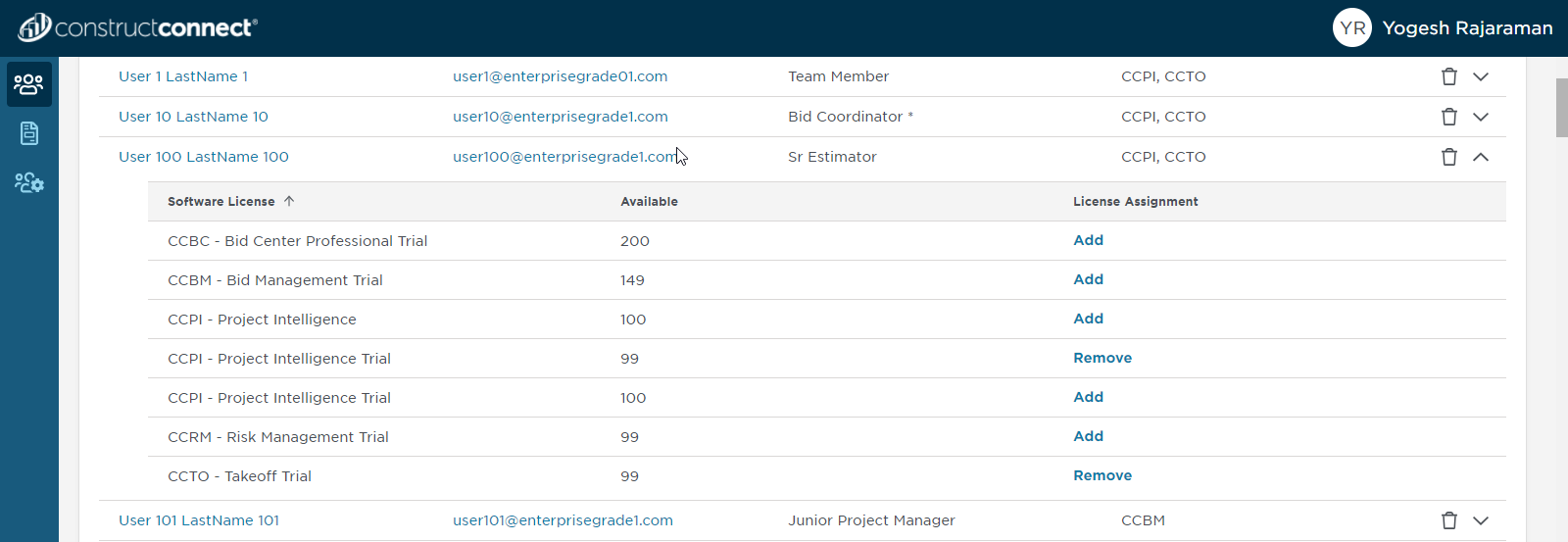
You will be taken to the 'Users' screen.
Click on the user’s name to go to User Summary page.
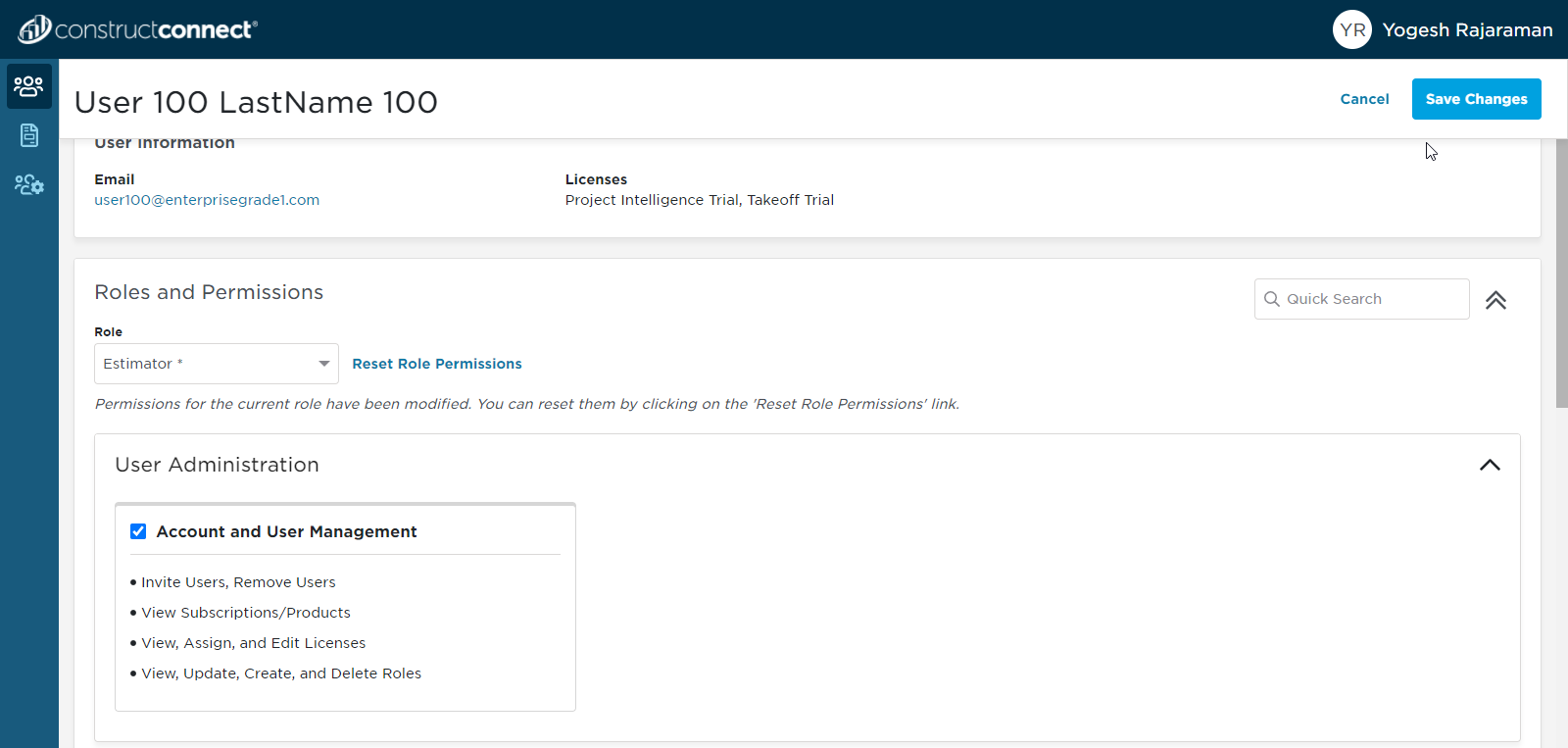
Inside the User Summary page, you will be able to select any standard role and customize the permissions. When you hit ‘Save Changes’, the custom permissions will be saved for the user under a new label name ending with ASTERISK (*).
Related Articles
