

The options in the header at the top of the page gives you access to your recently viewed projects and companies, your notifications, account settings, profile preferences, account security, Online Help and access to support:
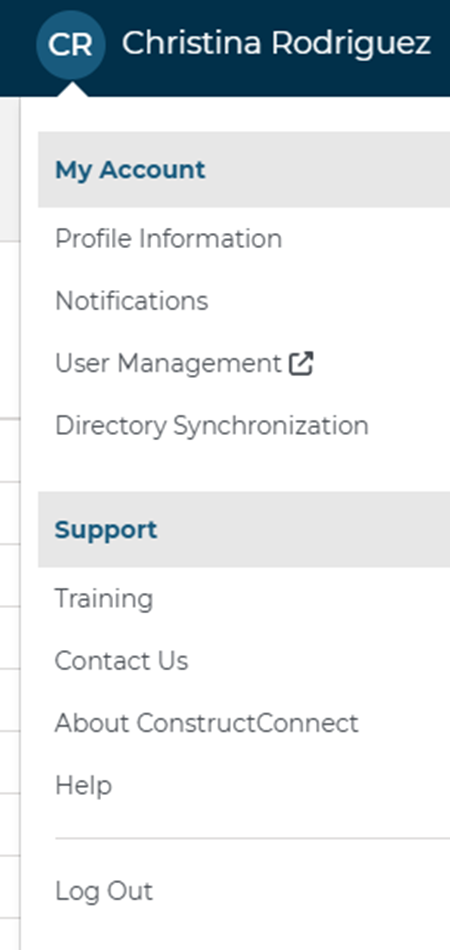
The following table describes the functions you can access from each option in the header menu.
| Option | Description |
 | Access a list of your recently viewed projects and companies.
|
 | View all of your notifications. A blue dot indicates unread notifications.
|
 | Click to launch a chat window with Customer Service. |
| | My Account |
| You & Your company Access to view and edit both your personal and your company information.
Settings & Privacy Used for your notifications and how your saved contact listings are updated.
| |
Support | |
| Training Click to open the ConstructConnect training portal. Contact Us Click to contact Customer Service. About ConstructConnect Click to view the current release number for the product and privacy and terms of use statements. Help Click to open the ConstructConnect Platform Online Help. |
Related Articles
