

ABSTRACT
ConstructConnect Takeoff is an all-new web-based takeoff solution.
Below are the rolling Release Notes. The newest version is always at the top and previous versions are at the bottom in a collapsed section.
Current Version
Updated: 20260722/20260723
Table of Contents
What's New
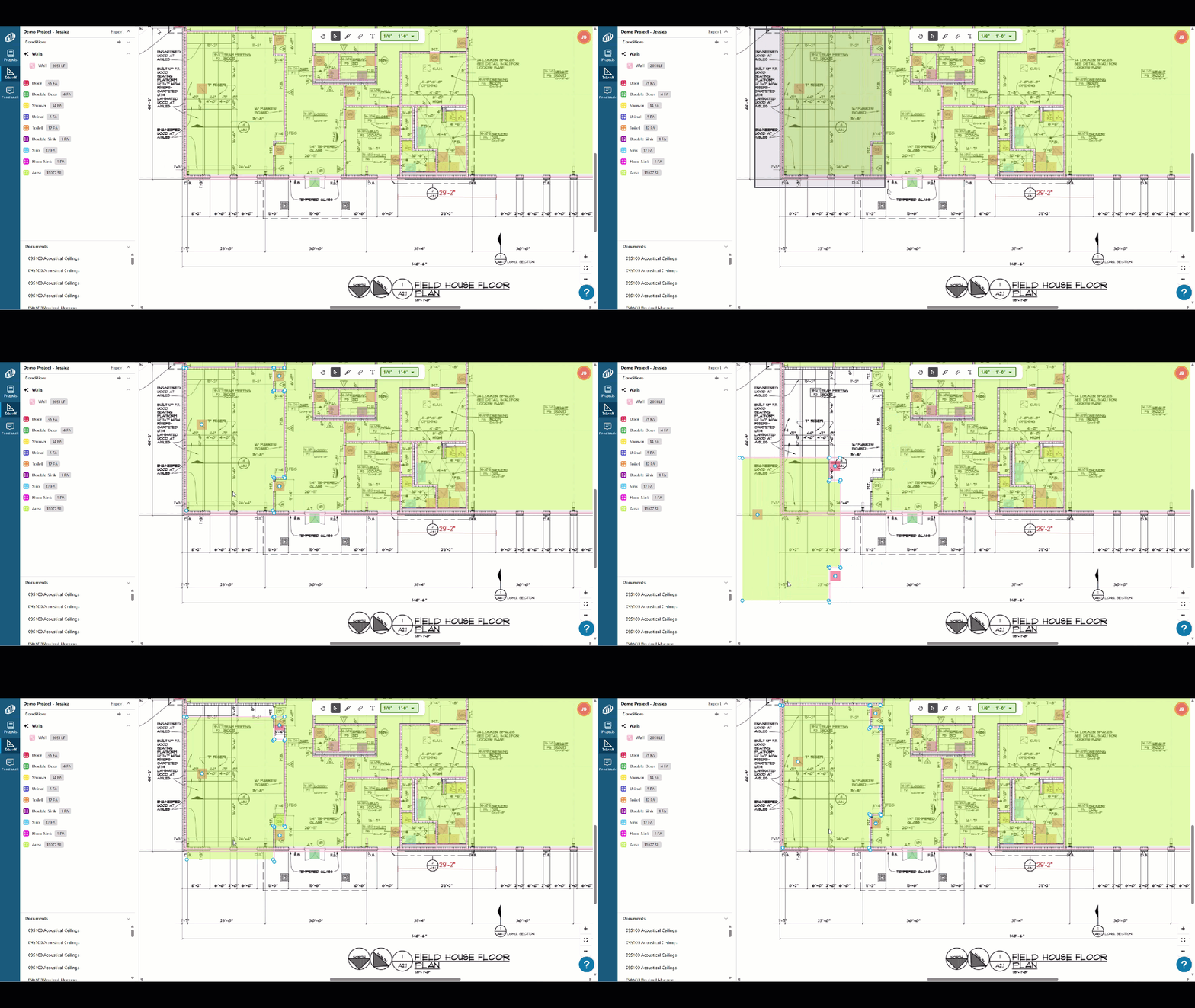
- Move multiple objects at once: Select multiple takeoff items and move them together on the canvas.
- Profile menu redesigned: Key support and account options are now easy to find in the profile menu.
- On-screen zoom controls: Zoom in and out buttons, fit to page are now visible directly on the takeoff canvas (YAY!).
- Resource Panel: Find Announcements, Product Walkthroughs, Training Videos, and a link to this Online Help Center.

- The Spacebar toggles between the Select Tool and the last used Condition for takeoff.
Changes/Improvements
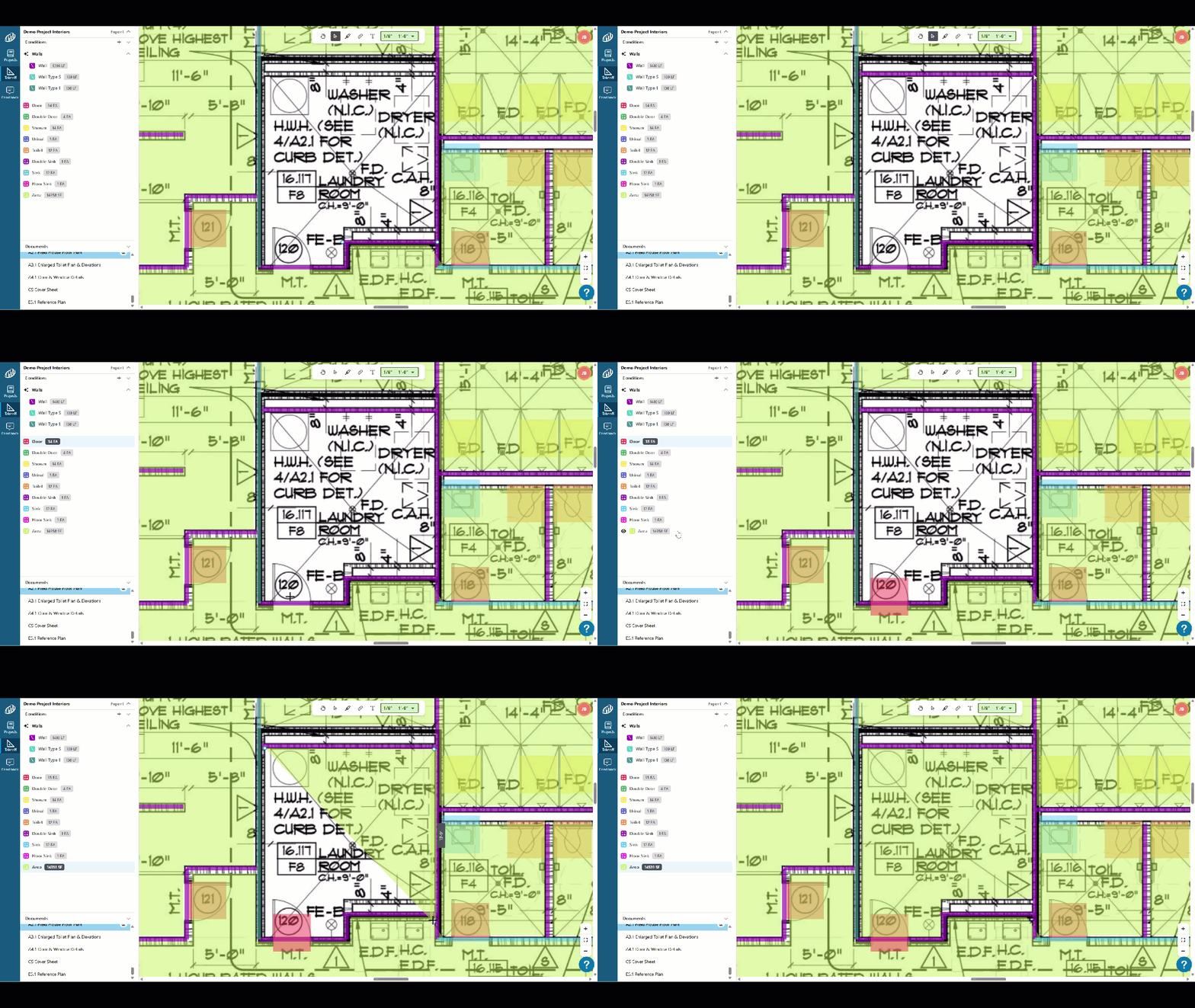
- Takeoff preview lines match your condition: Preview lines now render in your condition style as you draw, so what you see is what you get.
- Text annotation dialogs close on click-away: No extra click needed to dismiss the dialog.
Bug Fixes
TIFF file fix: Linear and count condition results now display correctly in TIFF files.
Upload reliability fix: Resolved intermittent failures during document upload.
Known Issues
- None
Previous Versions
20260715 - Initial (Soft) Release
What’s New
All new takeoff product you can access from any web browser, on any computer.
Visit: https://takeoff.app.constructconnect.com/ to log in.
Known Issues
New in this version:
- N/A
