

You can export your report data to a CSV file to import into a variety of other applications.

Export to CSV
- Select the Export to CSV button
- Enter or browse to the location you want to save the CSV file
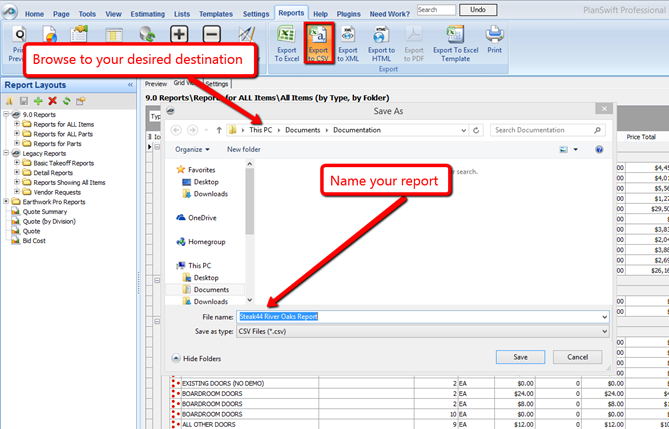
- Enter the filename.
- Click Save to save the file
The window close when the export completes.
You can open the exported file in your favorite spreadsheet program (such as Excel) or a text editor or even import it into your Account system.
 Export Report to Excel Export Report to Excel | Export Report to XML  |
Related Articles
