

You can export reports to XML format.

Export to XML
- Select the Export to XML button
- Enter or browse to the location you want to save the XML file
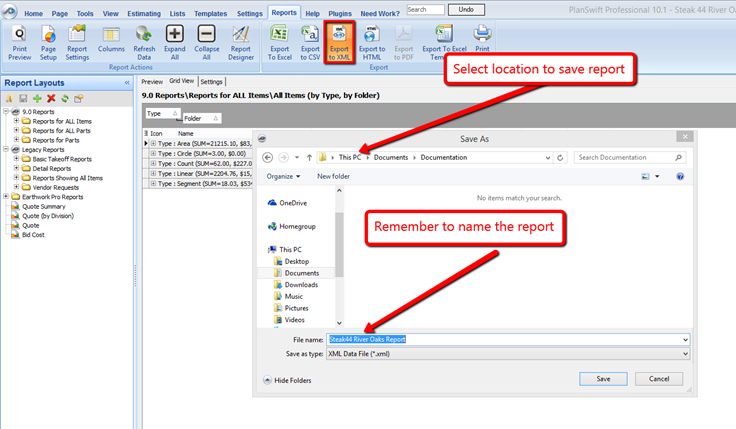
- Enter the filename
- Click Save to save the file
The window closes automatically when the export completes.
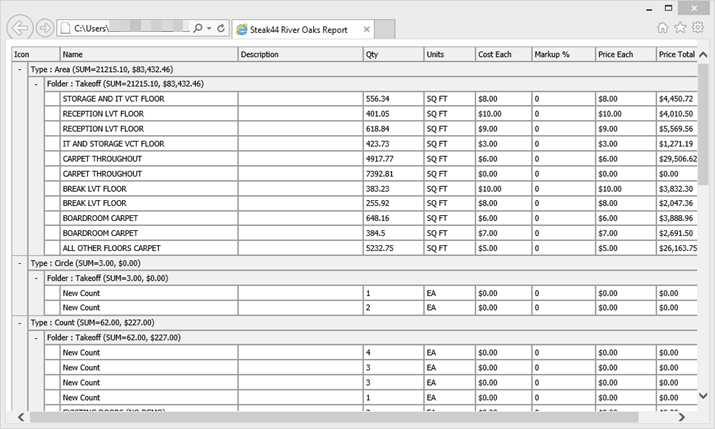
You can view your XML report in your favorite web browser.
 Export Report to CSV Export Report to CSV | Export Report to HTML  |
Related Articles
