

We aren't going to bore you with every detail about the ConstructConnect Takeoff app, but we'd like you to be comfortable with the app and understand how things work.
There are two main screens you'll use most often:
The Projects Lists
The Projects List shows you all the Projects created in your Organization (company). This includes those you create as well as other estimators in your Org.
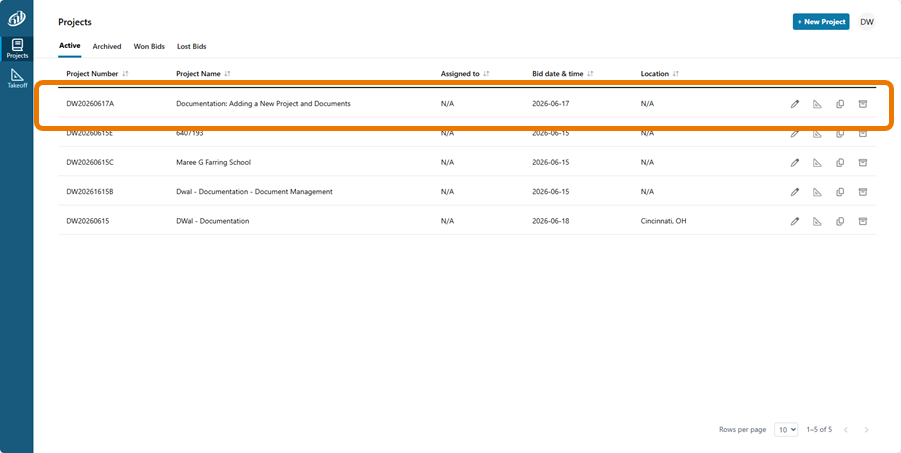
For details on using the Projects List, see: 02.01 Working with the Projects List.
The Takeoff Tab
The Takeoff Tab is where you will likely spend the most time using the application. It is where you:
- View Documents (Plans, Specs, Addenda, Other)
- Run Auto Takeoff (for Professional subscriptions)
- Create and edit Conditions and draw takeoff manually
- Create and edit Annotations (highlights, dimension lines, text boxes)
- Export a Page’s Condition quantities

The Takeoff Tab opens in a new browser tab, so be sure Pop-ups are not blocked.
 Getting the Most out of Online Help Getting the Most out of Online Help | Takeoff Tab Menus and Buttons  |
Related Articles
